Documentation portal
Documentation for Azkar tools.
Product docs live here as focused, searchable site pages with setup notes, API examples, workflow references, and troubleshooting guidance.
Unity diagnostics
Azkar Console
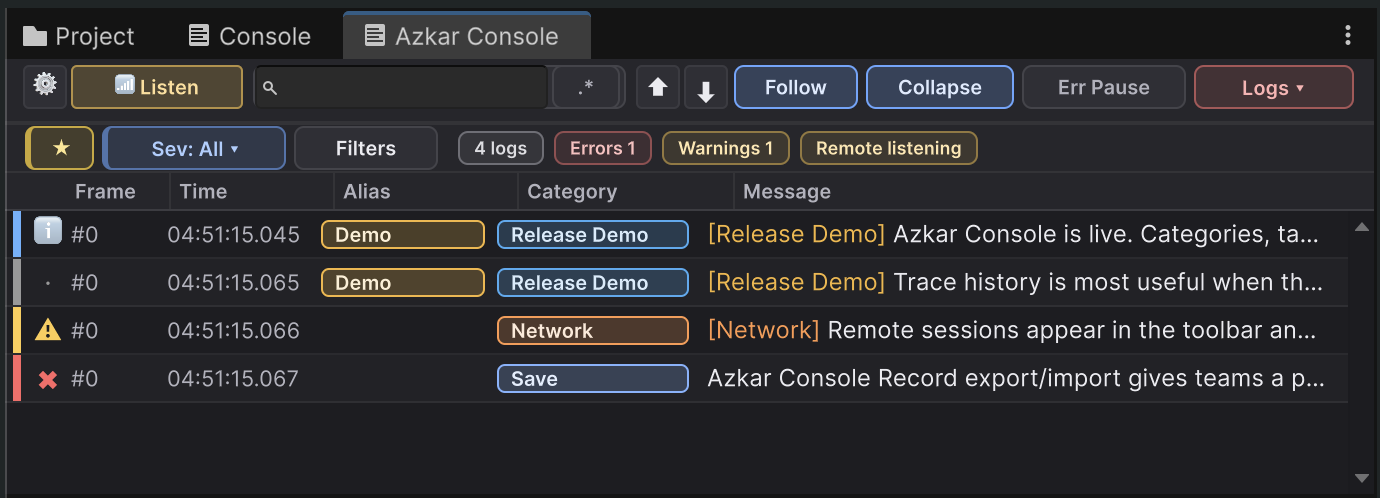
A Unity editor console and structured logging package with filters, row highlights, bookmarks, session archives, remote logging for development builds, and the AzCon API.
Understand which native Unity Console operations Azkar Console intentionally omits, why the Asset Store rules require that boundary, and which supported alternatives remain available.
First runGetting StartedInstall the package, open the console, emit a first log, and run the first useful review pass.
Editor workflowConsole WindowUnderstand the toolbar, live view, configurable columns, expanded details, empty state, and settings sections.
Dockable inspectionDockable WorkbenchKeep checkbox-aware multi-log details and copy, source preview, Trace occurrences, and the Filter Builder in one optional dockable Unity workspace.
Unity architecture
Azkar EDA
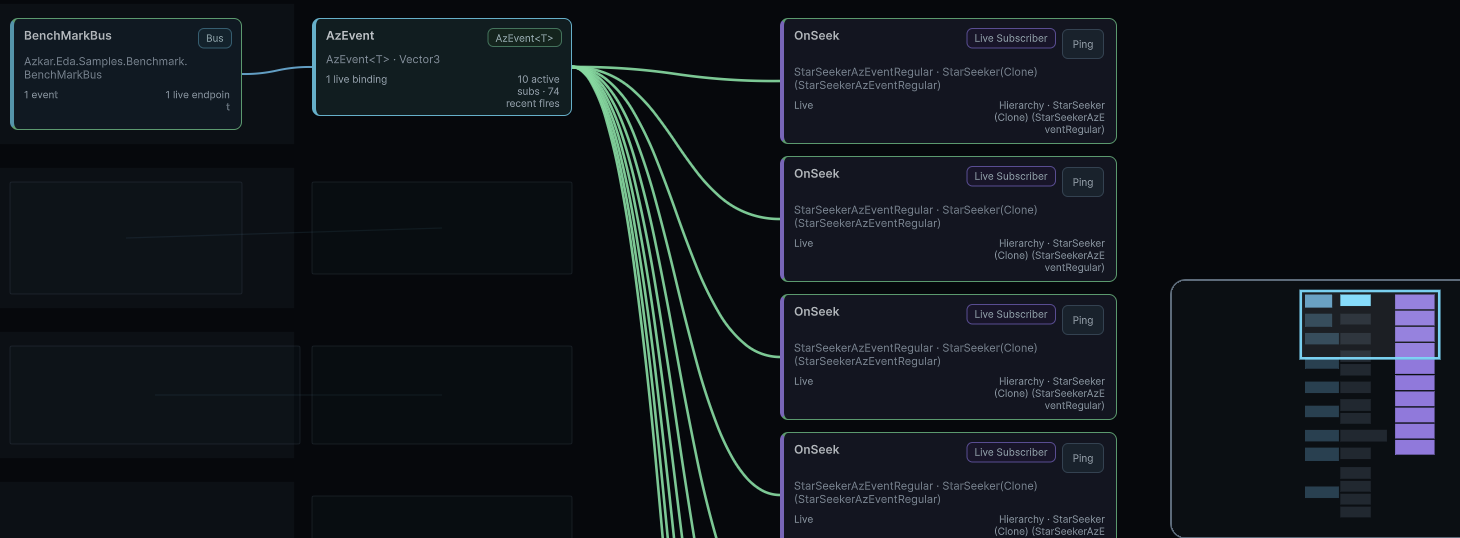
Event-driven architecture documentation for Unity systems: events, state, priority dispatch, lifecycle tokens, editor tracking, performance guidance, samples, and migration recipes.
Create a first event, a first state, a token cleanup pattern, and a first tracking pass in Unity.
Design choicesChoosing The Right PrimitiveDecide when to use events, priority events, ref payloads, state, lifecycle tokens, and tracking.
Events & tokensAzEventUse no-payload events for discrete signals where listener order is not part of correctness.
StateCreate, Read, And Write StateCreate AzState<T>, read current values, and write accepted source values.
Unity diagnostics
Azkar Screen Stats
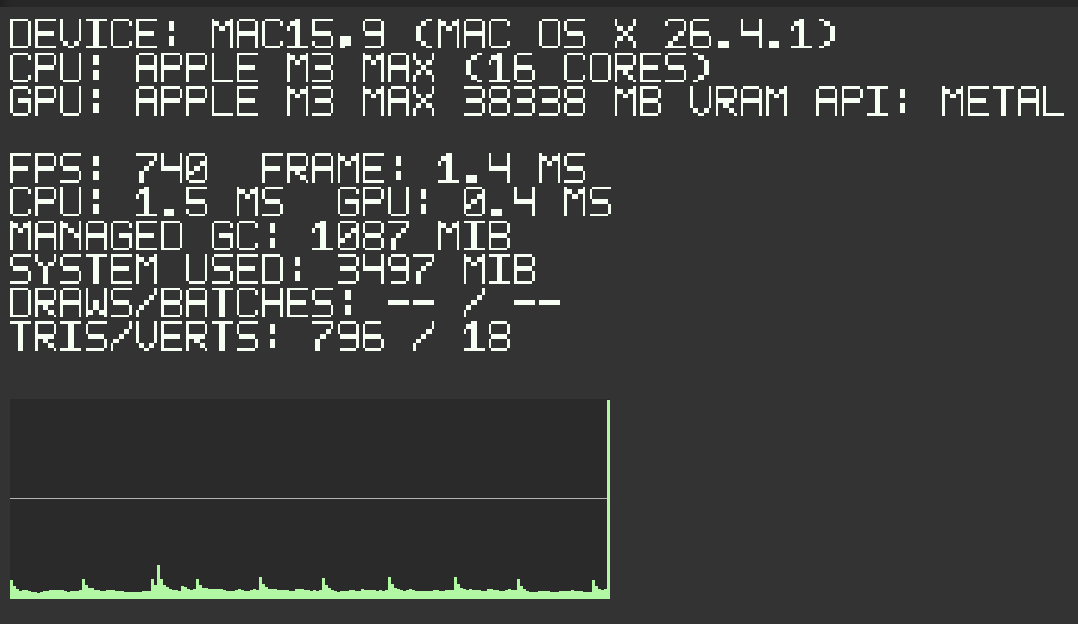
Version 1.0.0 documentation for consistent FPS and frame duration, available timing and profiler counters, budget and custom metrics, camera-scoped rendering, bounded runtime design, and exact validation limits.
Install the delivered package, add the overlay, understand its development-oriented defaults, choose a build scope, or import the bootstrap sample.
Runtime readoutWhat Appears On ScreenUnderstand FPS and timing, profiler counters, budget statistics, custom rows, device details, and observed frame-time history.
Inspector settingsConfigurationReview build scope, camera, placement, presets, metric sections, graph controls, appearance, safe-area behavior, and cadence.
Runtime integrationCamera Behavior And APIUse authoritative camera selection, visibility and configuration properties, snapshots, custom rows, and project-owned input callbacks.